See every hour worked. Catch every server before it falls.
Worklucent AI unifies workforce activity intelligence and infrastructure monitoring in one platform — active hours, application usage, and automated AI executive reports on one side; live server metrics, SSH/command audit, and configurable Slack/Teams alerting on the other. Built on strict privacy restraint, with zero keylogging.
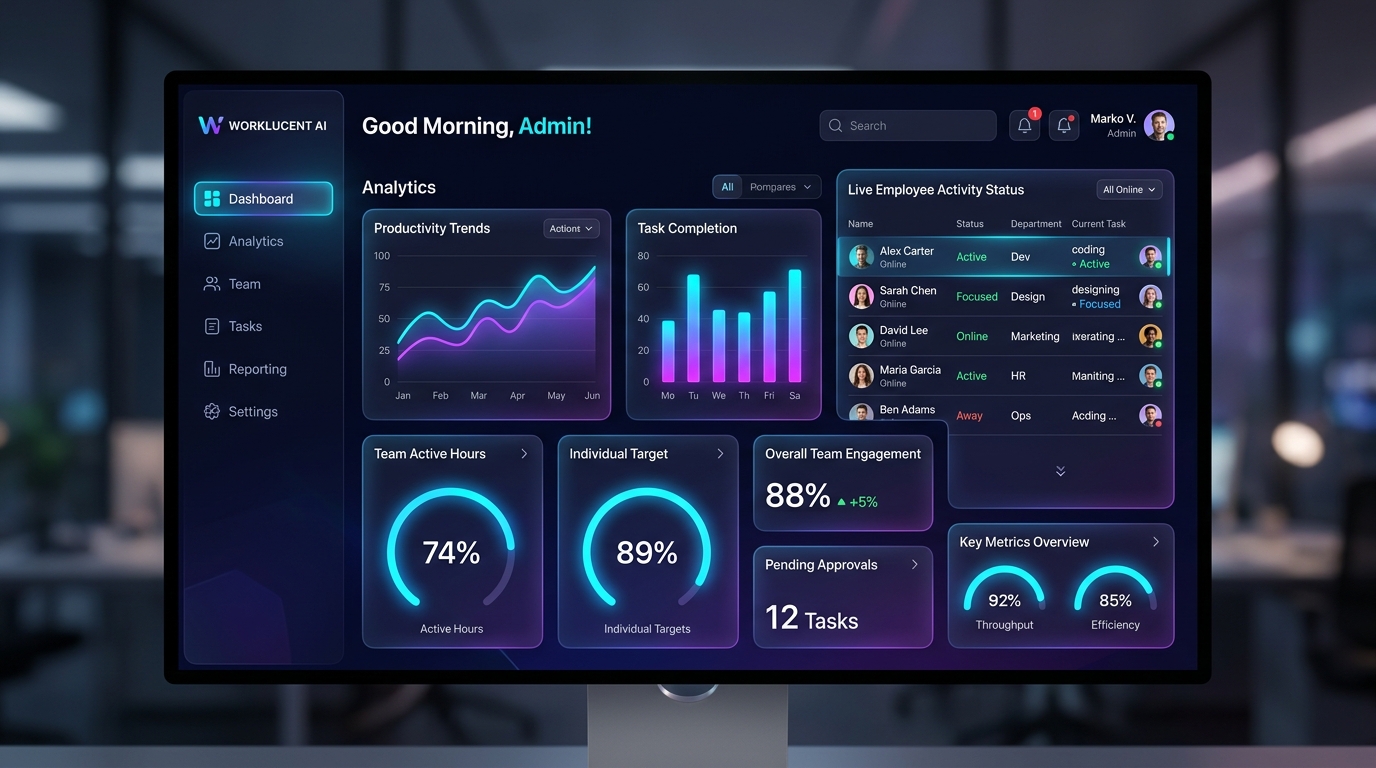
Built for IT directors, HR leaders, and engineering teams who need one system of record — not two.
Experience Worklucent AI in Action
Click the controls below to test how Worklucent turns device activity into actionable operational intelligence.
Real-Time Active Fleet Health
The agent measures active vs idle time locally. IT admins view aggregated department throughput, active machine heartbeats, and trend vectors in real-time.
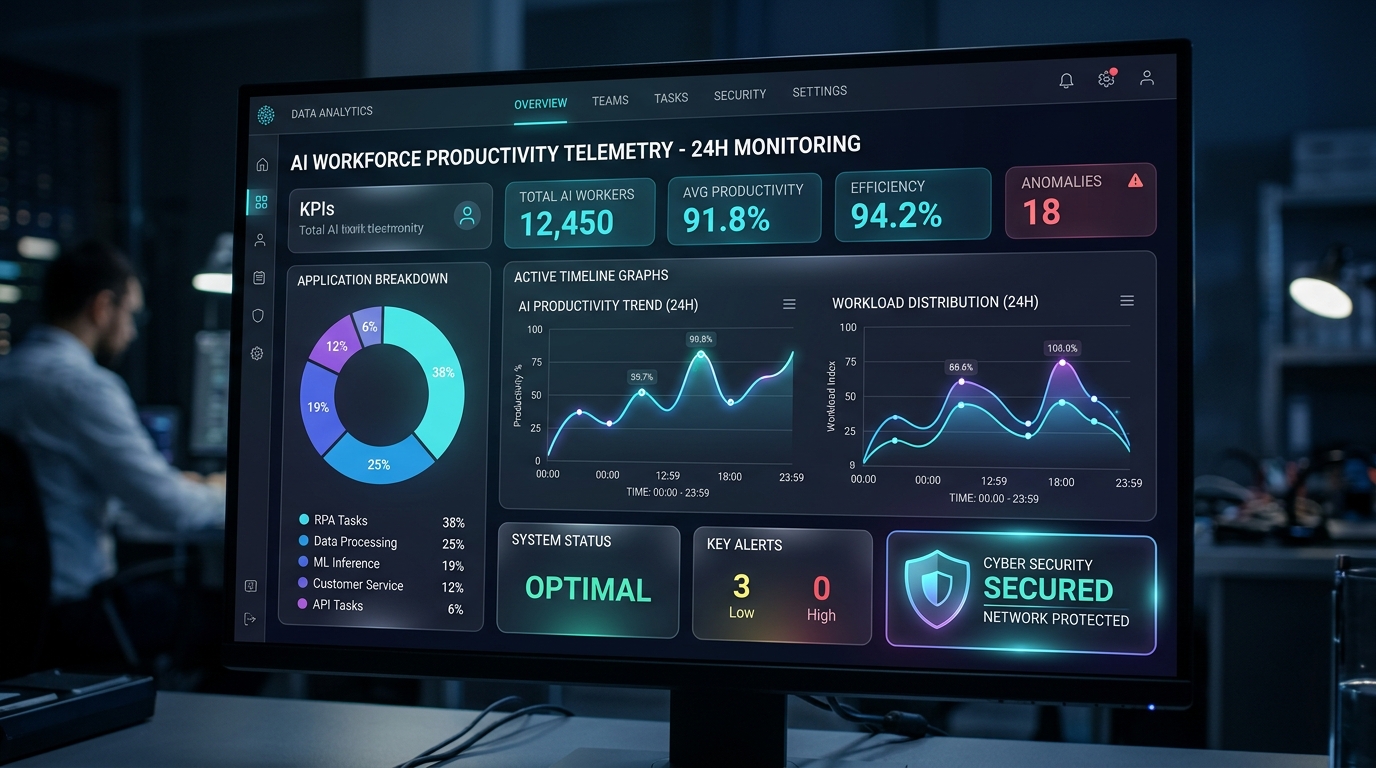
Everything you need for complete fleet visibility
A lightweight agent, one central command dashboard, automated attendance reporting, and live server monitoring — all in the same platform.
Active vs. Idle Analytics
Automatic measurement of active input versus idle downtime (5+ mins), providing real productivity metrics over superficial login hours.
Application, Window & Site Tracking
Track time in specific applications, window titles, and even a distracting site inside an otherwise-productive browser — without recording page content.
Automated Attendance & Excel Exports
Late, overtime, and idle time detected automatically against each shift — export a full workbook with an embedded chart in one click.
Live Server & Resource Monitoring
CPU, memory, disk, and load average per server and fleet-wide, with an SSH and command audit trail down to the kernel level.
Configurable Slack/Teams Alerting
Set a resource threshold per server; alerts route to admins, the assigned team, and your organization's own Slack or Teams channel.
Opt-In AI Narrative Insights
AI narrative takeaways turn operational data into plain-language summaries ("Engineering focus time increased 14% this week").
Answers for IT & HR Leaders
No. Worklucent AI never captures raw keystrokes or individual characters. The agent only counts input event frequency locally to calculate active engagement state.
Deployment typically takes less than an hour using Microsoft Intune, Active Directory Group Policy (GPO), or golden image provisioning.
Yes. Every company account is isolated at the API and database scoping layer. Telemetry payload signatures ensure cross-company data access is impossible.